
How UK SMEs can centralise their business software in 2026.
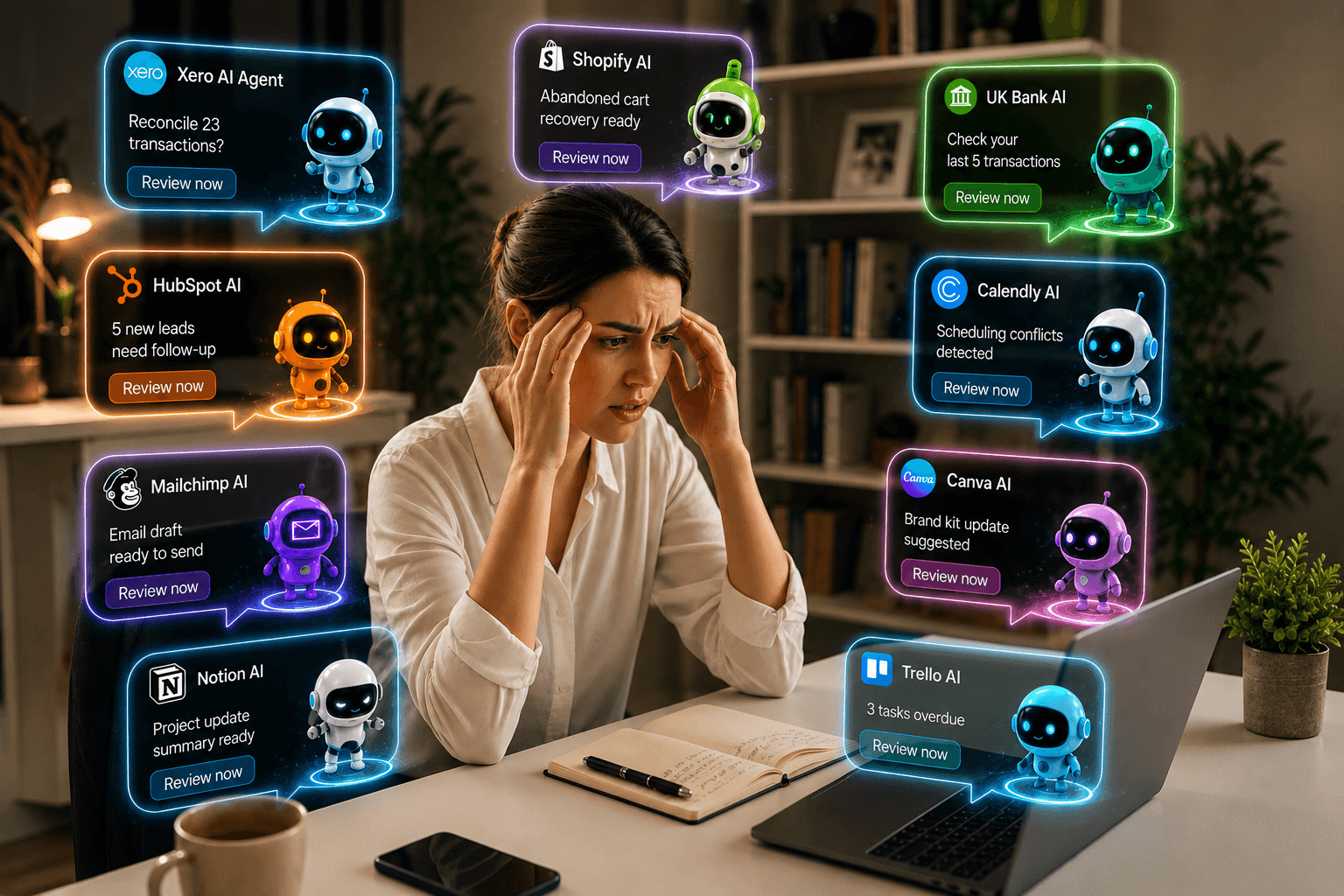
What “centralising” really means, why scattered tools quietly cost you, and how AI business software brings finance, operations and sales into one place – so you are no longer the one holding it all together.
What “centralising” really means, why scattered tools quietly cost you, and how AI business software brings finance, operations and sales into one place – so you are no longer the one holding it all together.
Catherine Sin
Co-Founder, BEYLA
If your business runs on a dozen apps that do not talk to each other, you already feel the cost. Centralising your business software means bringing those scattered tools – accounting, invoicing, payments, operations, sales and customer data – into one connected place, so your information lives together and works together.
In 2026, the smartest way to do that is no longer another dashboard. It is AI business software that reads across everything and acts on it, so the owner is finally out of the middle.
This guide covers what centralising really means, why software sprawl drains time and money, and how UK SMEs can bring finance, operations and sales into one place without ripping everything out and starting again.
Key takeaways
- Centralising business software means one connected source of truth, not one product that does everything.
- The average smaller company runs around 40 tools – most do not share data, and the owner ends up as the glue.
- The 2026 shift is AI business software that acts on the connected picture, not software that only reports on it.
- You rarely need to replace everything – connect what works, retire genuine duplicates, and add intelligence across the top.
What does it mean to centralise your business software?
To centralise your business software is to bring your tools and their data into a single, connected system – one source of truth for how your business is actually doing.
It rarely means moving everything into one product. For most small and medium businesses, it means keeping the tools you rely on and connecting them, so the data flows into one place and a single intelligence can read across all of it.
The goal is simple: stop information sitting in silos, and get one live view of your whole business that you can act on.
Why software sprawl is costing UK SMEs more than they think
The average smaller company now runs around 40 separate software tools, and most do not share data automatically. Each was bought to solve one problem. Together, they create a bigger one.
The hidden costs show up everywhere:
- Re-keying the same data into different systems, and the errors that follow.
- Numbers that never quite reconcile between your accounting tool, your invoicing and your bank.
- No single view of cash, so decisions get made on figures that are days or weeks out of date.
- Reports built by hand in spreadsheets, stitched together from exports.
- The owner as the integration layer – the only person who holds the whole picture, in their head, at 11pm.
For a small business with no dedicated finance or operations team, that last cost is the heaviest. The tools were supposed to save time. Instead, someone spends their evenings holding them together.
Signs your business has outgrown scattered tools
You are ready to centralise if you recognise most of these:
- You export data from one system to paste it into another.
- You cannot answer “how is cash looking?” without opening three apps.
- Your invoicing, accounting and payments each tell a slightly different story.
- Your forecasts live in a spreadsheet only one person understands.
- You find problems after they have happened, not before.
How to centralise your business software in 2026, step by step
- Map what you actually use. List every tool, what it does, and what data it holds. Most owners are surprised by the length of the list.
- Choose your source of truth. For most SMEs this is the cloud accounting platform – Xero, QuickBooks or Sage – because the money is the spine of the business.
- Consolidate where you sensibly can, connect the rest. You rarely need to replace everything. Retire genuine duplicates; keep the tools that are genuinely best at their job.
- Prioritise tools that integrate. Open APIs and native connections matter more than any single feature. A brilliant tool that will not share its data only adds to the sprawl.
- Add an intelligence layer that reads across all of it. Connected data is the foundation. The value comes from AI business software that looks across the whole picture and prepares the next step, for your approval.
Step five is where 2026 differs from 2020. Connecting your tools is no longer the finish line. The finish line is intelligence that acts on the connected picture – for you, and with your say-so.
The ways UK SMEs try to centralise today, and why they fall short
Most owner-managers have already tried to solve this, usually one of three ways.
Stitch it together yourself. Exports, spreadsheets and the odd automation between apps. It is cheap, but it is fragile, it eats hours, and it still leaves no single brain over the business – just you, holding it together.
Hire someone to hold it together. A bookkeeper, an operations hand, a part-time finance lead. It helps, but it is costly, it usually covers one function, and that person is still working across the same disconnected tools.
Buy an enterprise all-in-one platform. Large companies genuinely centralise on systems like SAP or Oracle NetSuite. They work, but they are built and priced for big organisations, heavy to implement, and far too much for a business of ten or twenty people. All-in-one exists. It was just never built for you.
Each gets you part of the way. None gives a small business what a large one takes for granted: one connected picture, and senior thinking reading across all of it.
The fourth way: an AI-native operating system
This is the gap BEYLA was built to close, as the first AI-native business and finance operating system, built for small and medium businesses.
Rather than ask you to move into yet another platform, BEYLA connects to the tools you already work in – Xero, QuickBooks, Sage, your inbox and your files – and builds a living memory of how your business runs, called the Hive. On top of that sits your Digital Human: one point of contact you talk to, with a team of specialist Digital Human workers behind it – across finance, operations, risk, sales and more. They read across the whole picture and surface what matters before you ask.
BEYLA took part in the FCA’s AI Supercharged Sandbox, the regulator’s innovation programme, so the approach has been built and tested under regulatory scrutiny from the start, not bolted on afterwards.
The difference from a dashboard is that it does not just show you the data. It understands the context and prepares the next step. You stay in control of every decision, and every recommendation is explainable and traceable to real data. The regulated services that move money – payments, cards and foreign exchange – are in private development ahead of licensing.
Centralising your software used to mean choosing where to store your data. In 2026, it means choosing what can think across it – for you.
Where this is heading: from seeing your business to acting on it
There is one more difference, and it points to where centralising – and work itself – is going.
An ERP or an accounting platform can hold your data and report on it. None of them moves your money, and none takes the owner out of the middle. BEYLA is being built to do both.
Alongside the intelligence layer, BEYLA is developing a regulated execution layer – payments, cards and foreign exchange – so that in time the same operating system that spots the cash squeeze can also help you act on it, with your approval. These regulated services are in private development ahead of licensing, and will launch only once authorised.
That is the real shift. For the first time, a business of three can have what the best-run companies have always had: one trusted relationship at the front, a whole team behind it, and one shared memory beneath.
Not more tools. Not more automation for its own sake. The owner, finally out of the glue.
That idea – one relationship, not ten interfaces – is one my co-founder Daniel Callis has written about in depth. If it resonates, read his companion piece, “One Digital Human. A whole team behind it.”
That is the line between software that reports on your business and software that runs alongside it.
Intelligence that acts for you.
A checklist for centralising your business software
Before you commit to any approach, make sure it:
- Connects to the tools you already use, rather than forcing a full migration.
- Gives you one live source of truth, not another export to reconcile.
- Adds intelligence, not just another dashboard.
- Is built to act on your decisions in time, not only report on them.
- Is secure, consent-based and auditable.
- Has room to grow with you.
Frequently asked questions
What does it mean to centralise business software?
Centralising business software means bringing your separate tools – accounting, invoicing, payments, operations, sales and customer data – into one connected system, so information is shared automatically and you have a single, up-to-date view of your business rather than data trapped in silos.
What is AI business software?
AI business software reads across your connected tools – accounting, invoicing, payments, operations and sales – and acts on what it finds, rather than only displaying it. Unlike a dashboard, it anticipates what matters, prepares the next step and learns how you work, with you approving every decision.
How many software tools does the average small business use?
Industry research suggests smaller companies now run around 40 separate software applications on average, and the majority are not integrated, meaning they cannot share data automatically. This sprawl is a leading cause of wasted time, manual re-keying and reporting errors.
Do I need to replace my accounting software to centralise?
No. In most cases your cloud accounting platform (Xero, QuickBooks or Sage) becomes the source of truth, and you connect other tools to it. Modern operating-system approaches are designed to work alongside the software you already use rather than replace it.
How does BEYLA help centralise business software?
BEYLA is an AI-native business and finance operating system. It connects to the tools UK SMEs already use – Xero, QuickBooks, Sage, email and files – builds a living memory of the business (the Hive), and gives you one Digital Human to talk to, with specialist Digital Human workers behind it across finance, operations, risk and sales – surfacing what matters, with the owner in control of every decision.
Will BEYLA move money like a bank?
BEYLA is building a regulated execution layer – payments, cards and foreign exchange – alongside its intelligence layer, so the same operating system that surfaces what matters can also help you act on it. These regulated services are in private development ahead of licensing and will launch only once authorised. This is a key difference from traditional business software and ERPs, which can report on your money but cannot move it.